
What this guide will help you do
Follow the steps below to prepare your design and complete the Marketplace setup.
Use one JPG or PNG file at 300 DPI.
Keep important details away from the red trim area.
Select where eligible designs can be made available.
Before you start
Standard cards only need one JPG or PNG artwork file.
Export JPG or PNG artwork at 300 DPI.
Only backgrounds should extend into the red bleed area.
How to Upload a Standard Card
Prepare your standard card artwork
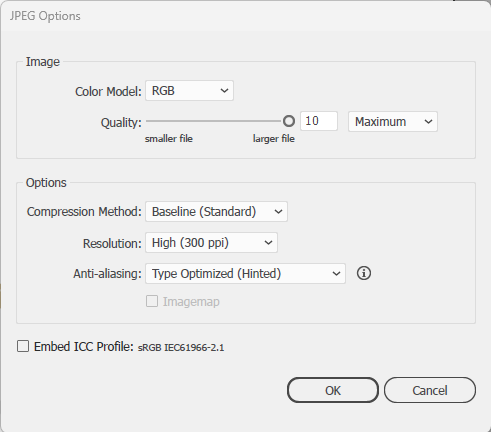
For our standard cards you only need to upload one image ether using jpg or PNG. If you export using jpg please design in CMYK then export in RGB, 300 DPI. If you’re exporting in PNG, please make sure it’s exported in 300DPI.
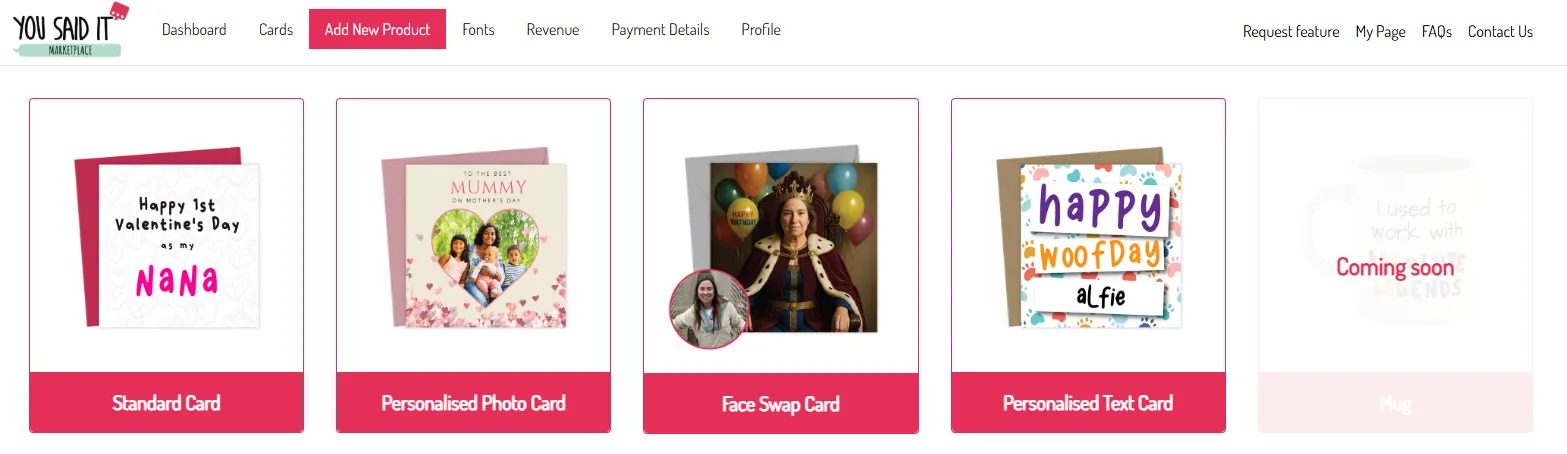
Choose Standard Card in the dashboard
When you have your artwork all ready to upload, you’ll need to click the standard card option on the dashboard.
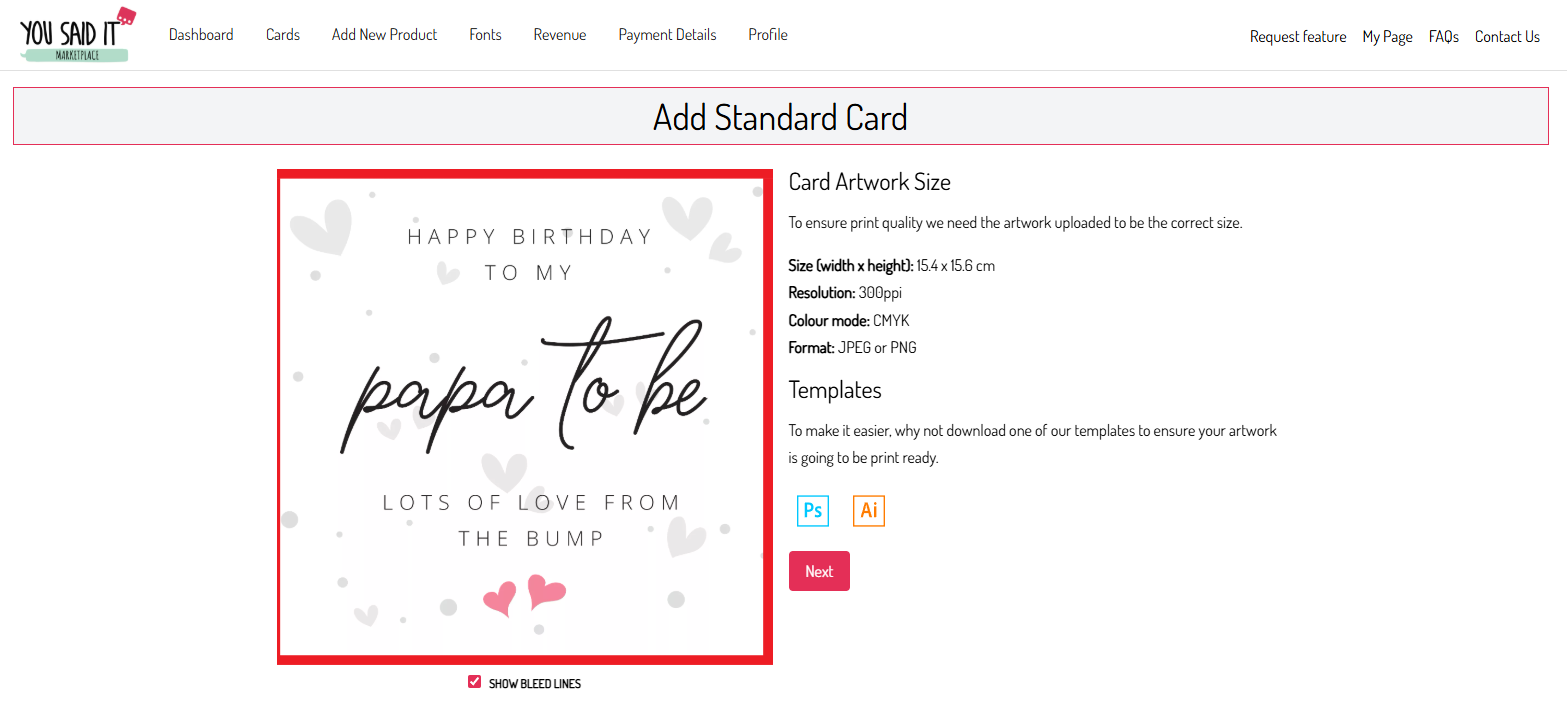
Check the bleed area
Once you’ve uploaded the artwork on this page, please make sure no important details are in or close to the red area. This is the bleed area and will be cut off in production. The only parts which should show in the red areas will be any background colours/images used.
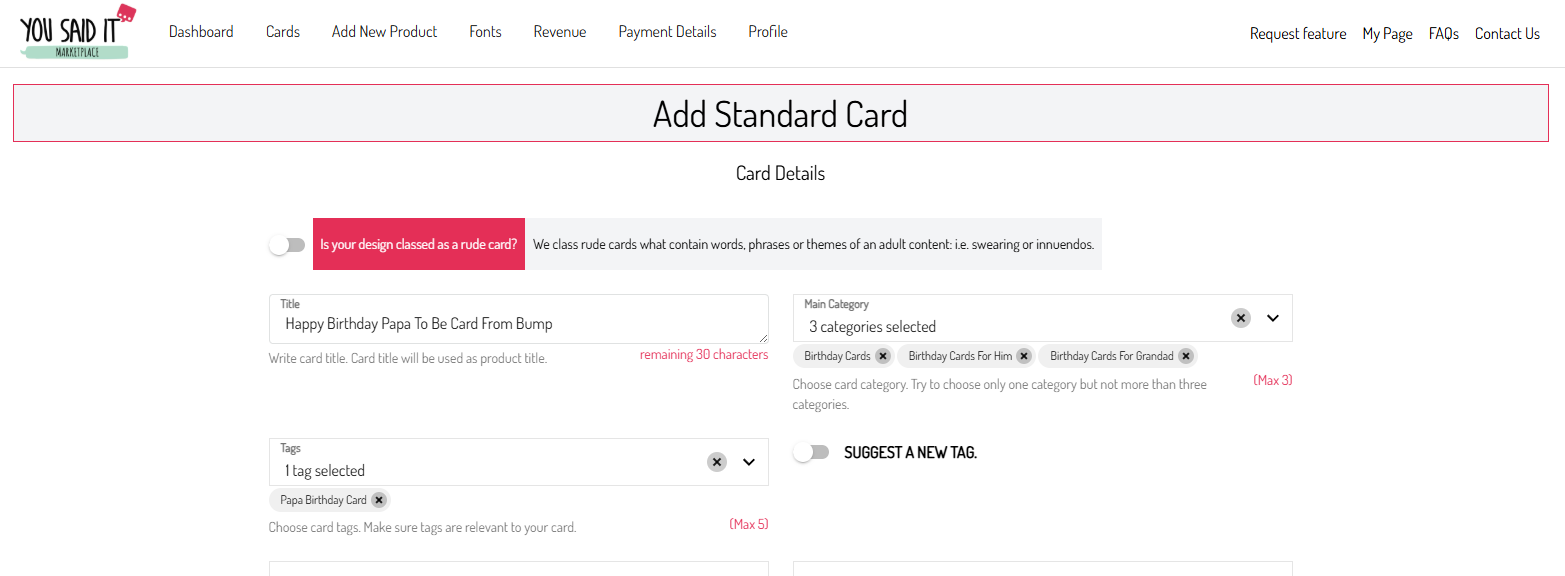
Add the card details
Once you’re happy how the artwork looks just click next. You can now fill out the card details.
Choose available sales channels
If also have an option to have your design listed on other marketplaces or our wholesale site. Please note, placing on other marketplaces isn’t guaranteed ,

Once you’ve finished
Once submitted our team will then check it over. You will also be able to see your design on your profile page where you can test.