
Why image quality matters
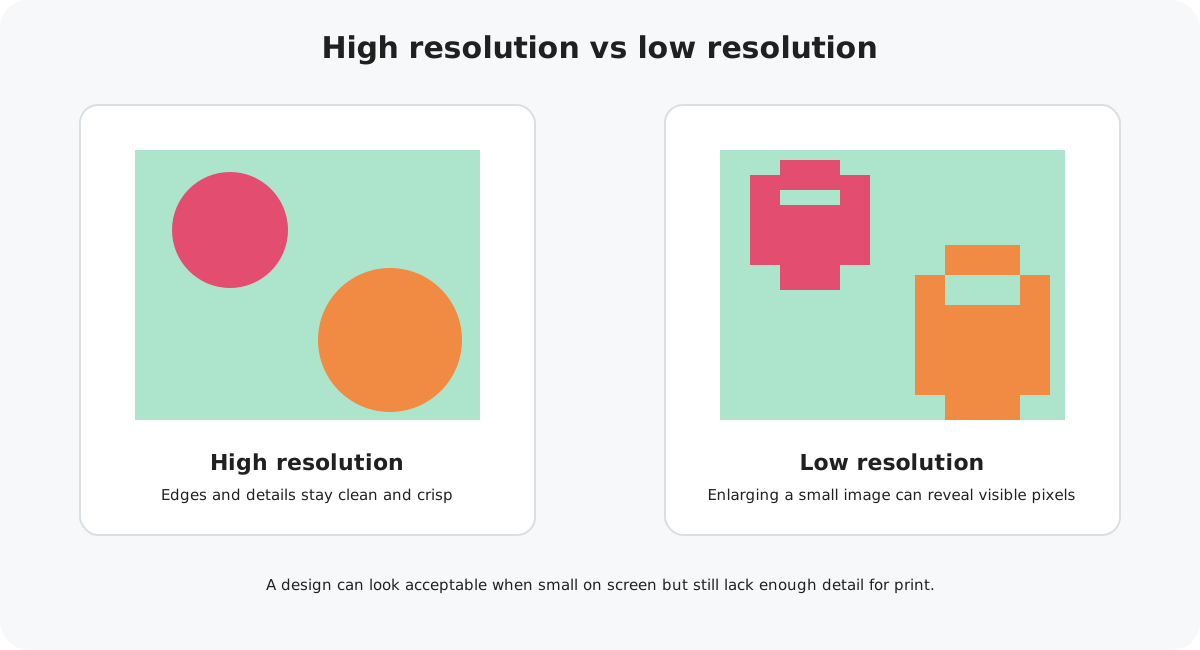
Your card artwork is printed at a physical size, so it needs enough image detail to reproduce cleanly. A file can look perfectly acceptable as a small preview on a phone or computer but become blurry or pixelated when printed.
What does 300 DPI mean?
DPI means dots per inch. For greeting card artwork, 300 DPI is a useful print-quality target because it provides plenty of detail at the intended physical size.
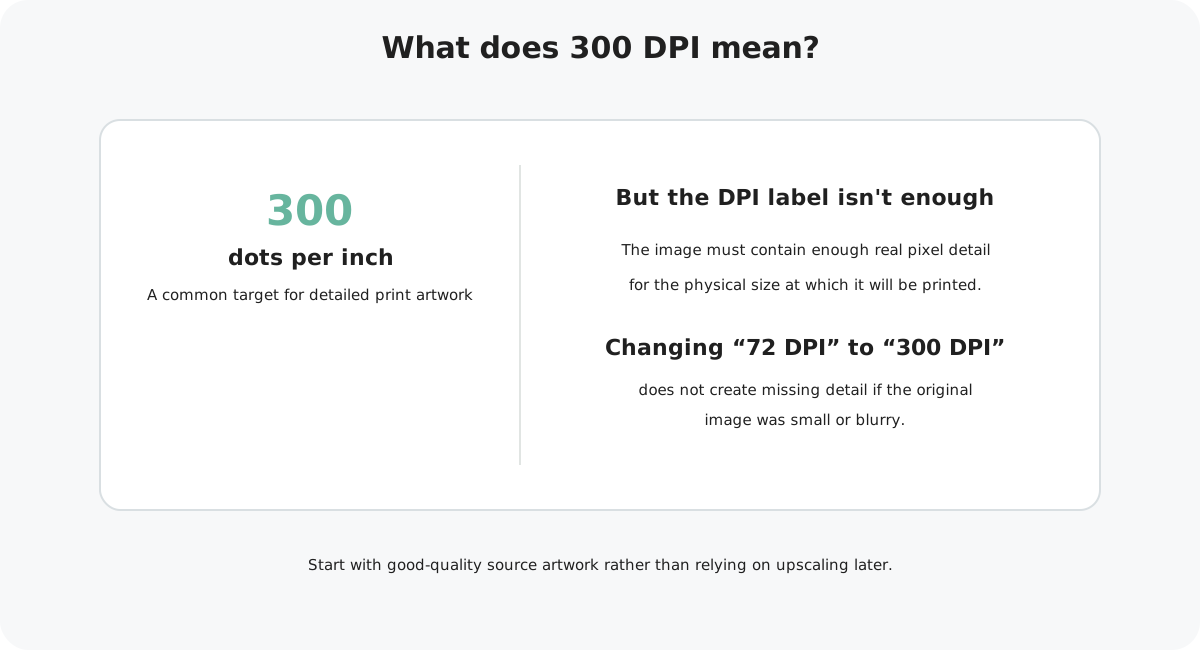
A DPI setting does not magically improve an image. The file also needs enough actual pixels. Changing a small image from 72 DPI to 300 DPI without adding genuine detail does not turn it into high-resolution artwork.
Marketplace artwork size
Your Marketplace square artwork should be prepared at 15.4 cm wide × 15.6 cm high and suitable for printing at 300 DPI.
Artwork width
Artwork height
Print-quality target
Keeping the artwork at the correct physical size and starting with good-quality source images gives you the best chance of a crisp printed result.
Why enlarging a small image can cause problems
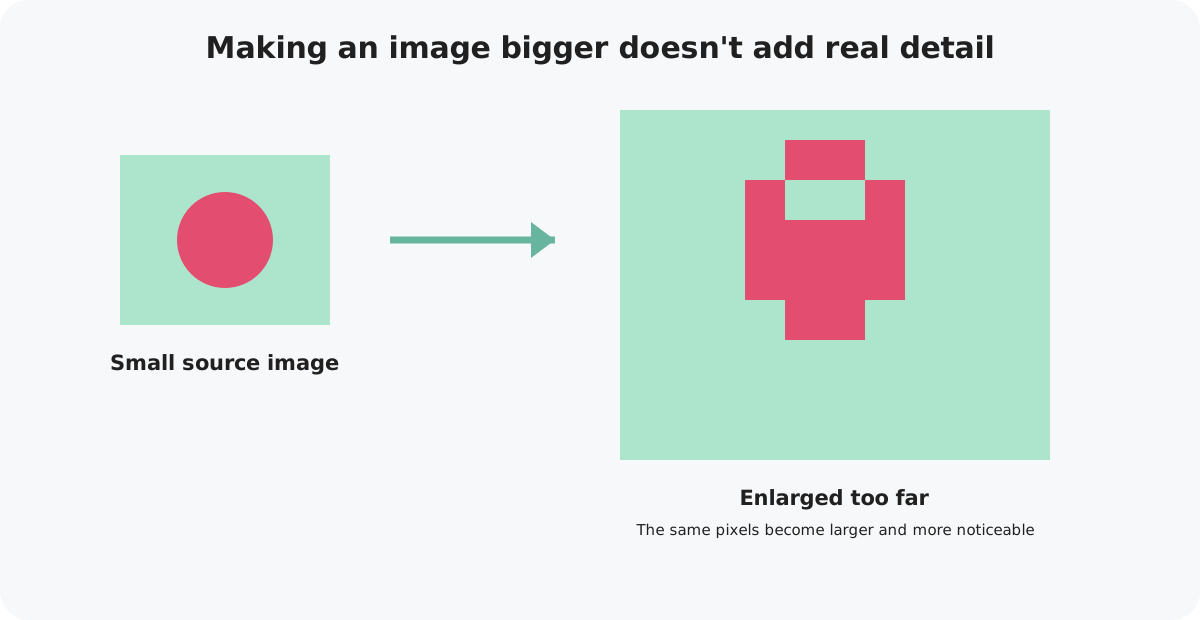
When you make a raster image larger, the software has to spread or estimate the existing pixels across a bigger area. It cannot recreate all of the genuine detail that was missing from the original.
How to check your artwork
Check the original artwork
Use the highest-quality version of your illustration, photograph or design. Avoid images downloaded from social media, screenshots or small web previews.
View the final exported file
Open the actual JPG or PNG you plan to upload, rather than checking only the working file in your design software.
Zoom in
Look closely at text, illustrations, photographs and fine details. Watch for jagged edges, blocky pixels, blur or compression artefacts.
Check every element
One low-resolution photograph or graphic can still cause a problem even if the rest of the card is perfectly sharp.
Common quality problems
Screenshots are designed for screen display and may not contain enough detail for a printed card.
Online images are often resized or compressed, reducing the amount of usable print detail.
JPG compression can accumulate each time a file is re-saved, gradually introducing visible artefacts.
A small image stretched to fill a large part of the card may become visibly soft or pixelated.
Changing metadata from 72 to 300 DPI does not create missing image information.
What about vector artwork?
Vector artwork, such as shapes and illustrations created from paths, can usually be resized without the same pixelation problem. However, photographs, textures and other raster images placed inside a vector design still depend on their original resolution.
Once you export the finished card to JPG or PNG for Marketplace, check that final image carefully before uploading.
What if my artwork is too low resolution?
Where possible, go back to the original source rather than repeatedly enlarging the low-resolution file. Re-export the design from the original artwork or use a higher-resolution version of the photograph or illustration.
Some software can make an image larger and smooth its appearance, but always inspect the result carefully. The safest option is to start with enough genuine image detail in the first place.
Quality checked?
Next, make sure your artwork is exported correctly and ready for Marketplace upload.