
Screen colour and print colour are different
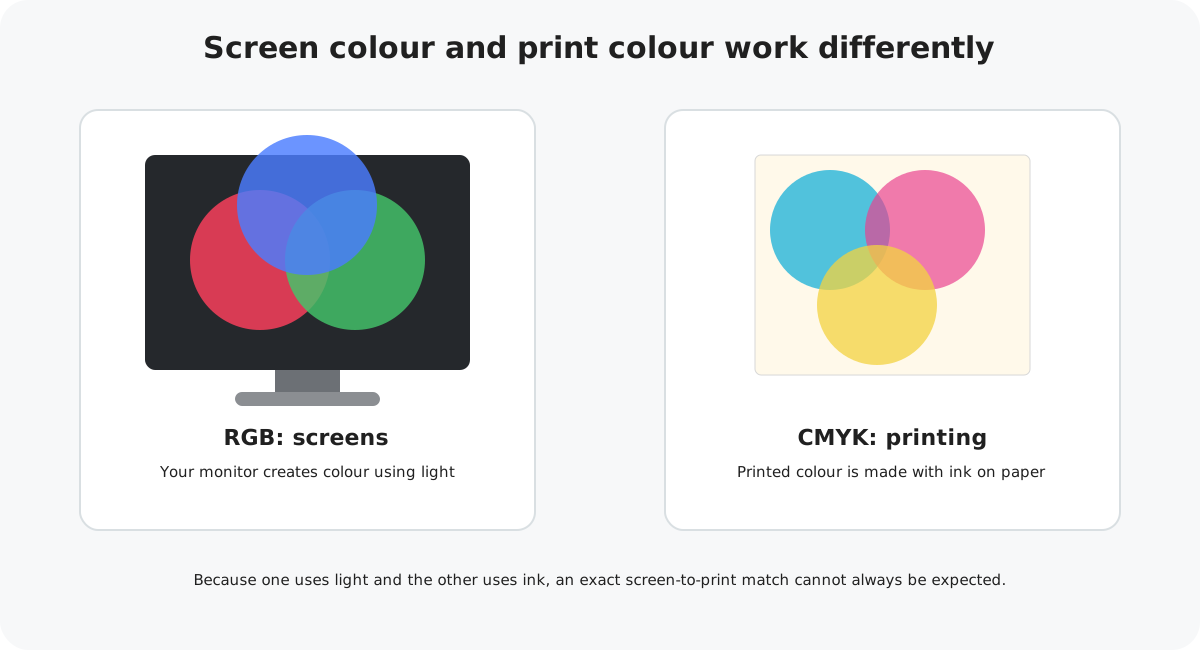
The colours you see on a phone, tablet or monitor are created with light. A printed greeting card uses ink on paper. Because these are two different ways of producing colour, the printed result cannot always look exactly like the image on your screen.
What is RGB?
RGB stands for red, green and blue. Screens combine different amounts of these colours of light to display the images you see.
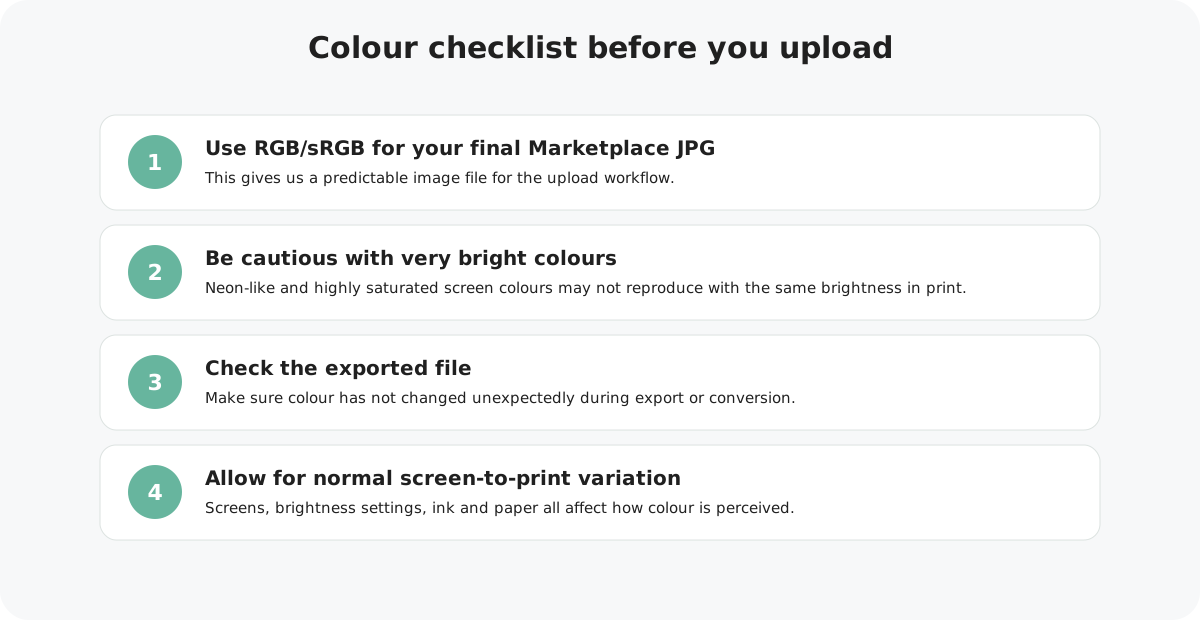
For Marketplace JPG artwork, use an RGB/sRGB final export. sRGB is a widely used colour space for image files and helps keep the uploaded artwork predictable across different systems.
Design with print in mind, then export the final Marketplace JPG in RGB/sRGB rather than supplying a CMYK JPG.
What is CMYK?
CMYK stands for cyan, magenta, yellow and key (black). These are the ink colours commonly combined in commercial colour printing.
CMYK cannot reproduce every colour that a bright RGB screen can display. This is one reason particularly vivid, neon-like or highly saturated colours can appear different when printed.
Why does my printed colour look different?
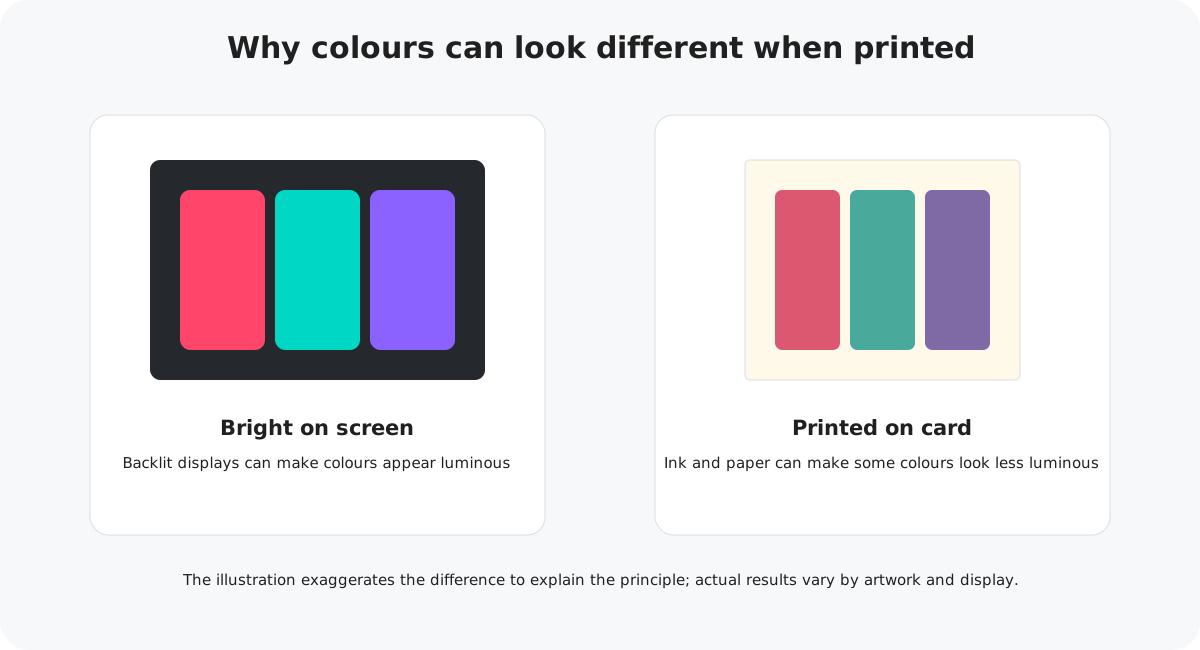
A display emits light, which can make colours look brighter and more luminous than ink on paper.
Brightness, contrast, display mode and device calibration can all change what you see.
Ink interacts with the surface and natural tone of the card, rather than glowing from behind like a screen.
Very intense colours may need to be reproduced using the closest achievable printed colour.
How to prepare colour for Marketplace
Work from good source artwork
Use original, high-quality artwork rather than repeatedly converting or re-saving downloaded images.
Design with print in mind
Be cautious if a design depends on extremely bright neon or luminous colours. A physical print cannot emit light in the way a screen does.
Export your final JPG as RGB/sRGB
This is the preferred colour setup for your Marketplace image upload.
Open the exported file
Check the actual JPG you intend to upload and make sure there has not been an unexpected colour shift during export.
Colour checklist
Colour and Canva
If you're creating your card in Canva, you can use our ready-made Marketplace template to start with the correct artwork size. When your design is finished, export a high-quality JPG or PNG and check the downloaded file before uploading.
Common colour questions
Will the printed card exactly match my monitor?
No screen can guarantee an exact representation of print. Different screens display the same file differently, and print uses ink rather than emitted light.
Should I upload a CMYK JPG?
For Marketplace, use RGB/sRGB for your final JPG upload.
Why can neon colours change?
Some very bright RGB colours cannot be reproduced with the same luminosity using standard printed inks.
Does my monitor brightness matter?
Yes. A very bright screen can make artwork appear lighter and more vibrant than the physical print.
Colour checked?
Once your colour and export settings are ready, run through the complete Marketplace artwork checklist before uploading.